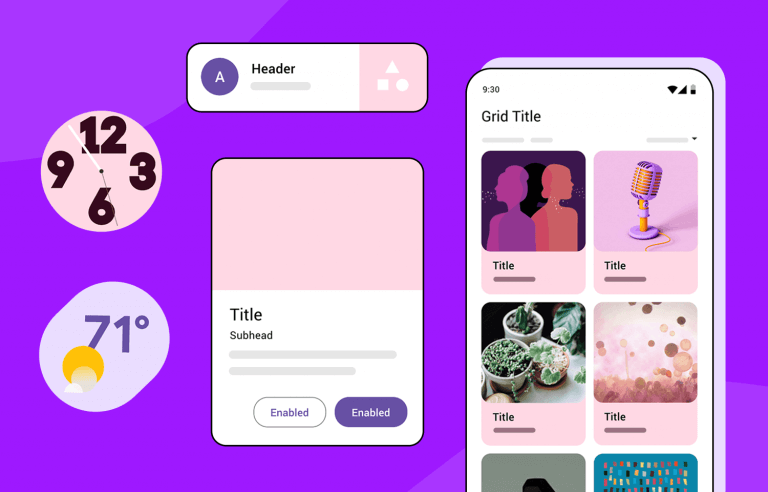
1. What Is Material Design?
Material Design is a design system based on:
Motion: It is meaningful animations that guide user interaction.
Depth: It provides shadows and elevation to enable a layered interface.
Bold, Intentional Colors: A color system approach that settles all brand-level usability questions.
It provides a set of prebuilt components such as buttons, cards, and navigation bars that adhere to these principles.
2. Getting Started with Material Design in Your Android Project
Step 1: Add Dependencies
Add Material Components to your app's build.gradle file:

Step 2: Use Material Design Theme
In your res/values/themes.xml, set your app's theme to a Material Design theme:
Material You (Material 3) supports dynamic color based on the device wallpaper, starting with Android 12.
3. Core Components of Material Design a. Buttons Buttons are essential for user interaction and come in different styles. Using a Material Button:Types of Buttons: Contained Button: Has a solid background. Outlined Button: Displays a border with a transparent background. Text Button: Only text, no background or border. b. Cards Cards are containers used to group related content.c. Bottom Navigation BarThe Bottom Navigation Bar helps users navigate between top-level views.Define the menu in res/menu/bottom_nav_menu.xml:


